Group and ungroup objects
Grouping and ungrouping objects is an important technique to learn. The benefit of grouping objects is the ability to adjust several objects together, rather than individually.
-
group by holding down the Shift key and left-clicking each object you wish to group. Once they are all selected, right-click and select Group - as shown in the image below,
-
alternatively, use a selection window (see Select and alter objects) to select the desired objects, then right-click.
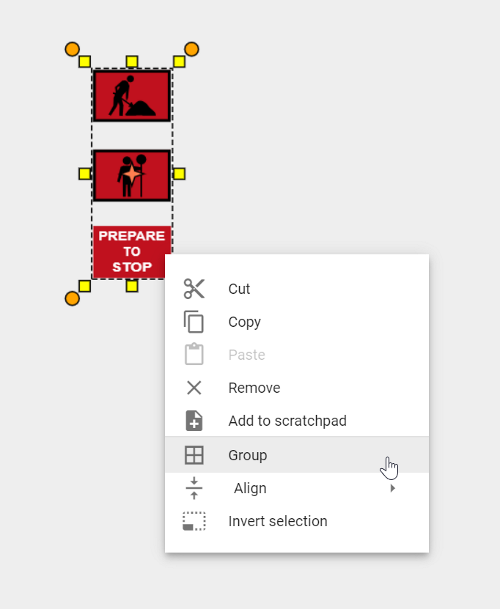
Once grouped you can adjust the group of objects as one. You can also add the grouped objects to your Scratchpad for later use.
To Ungroup the objects, simply right-click on the objects and select Ungroup.