Printing plans
Use printing when you need a paper copy or a printer-driven output of the active plan or active print region.
For most output workflows, start by setting up:
- one or more print regions,
- an optional print frame for titleboxes, legends, notes, and reusable page layout.
Print options
Open File > Print > Print Options to control:
- paper size,
- orientation,
- margins,
- scaling,
- multipage printing,
- other output defaults used by print and export workflows.
See Plan scale and print scaling if the scale shown in a print frame differs from the plan scale or if you need to maintain a specific printed scale.
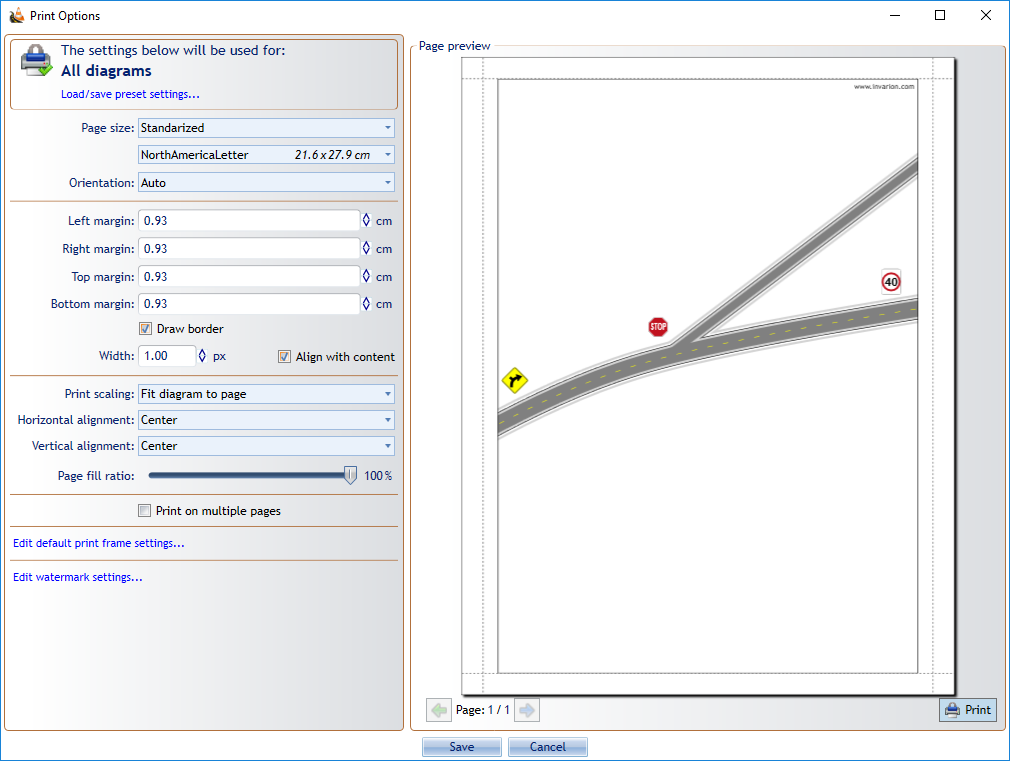
Printing a single plan
Use the regular print workflow when you want to print the active plan or its active region.
This is the best option when you are:
- checking page layout,
- printing one region at a time,
- working interactively on the current plan.
For multiple plans or print regions, use Batch print and export.
Related output workflows
- use In-place print preview to check page layout directly on the plan,
- use Export formats when you need PDF, image, or CAD output,
- use Fax mode when output must remain readable in black and white.