Plan and object defaults
The Defaults section in Preferences controls the values RapidPlan uses when it creates new plans, objects, signs, brushes, fonts, and text objects.
Open it from Tools > Preferences > Defaults.
New default plan
Use the new-plan defaults to set values RapidPlan should apply when a new default plan is created.
Common defaults include:
- author,
- base map provider,
- aerial import provider,
- plan setup values used by default-plan workflows.
The aerial import provider can be different from the visible basemap provider. This is useful when you draw over a free cartographic map but want imported aerial tiles to come from a paid imagery provider such as NearMap or MetroMap.
Signs
Use the sign defaults to set the default scale for new signs.
Brushes
Use brush defaults to control default line and shape styling.
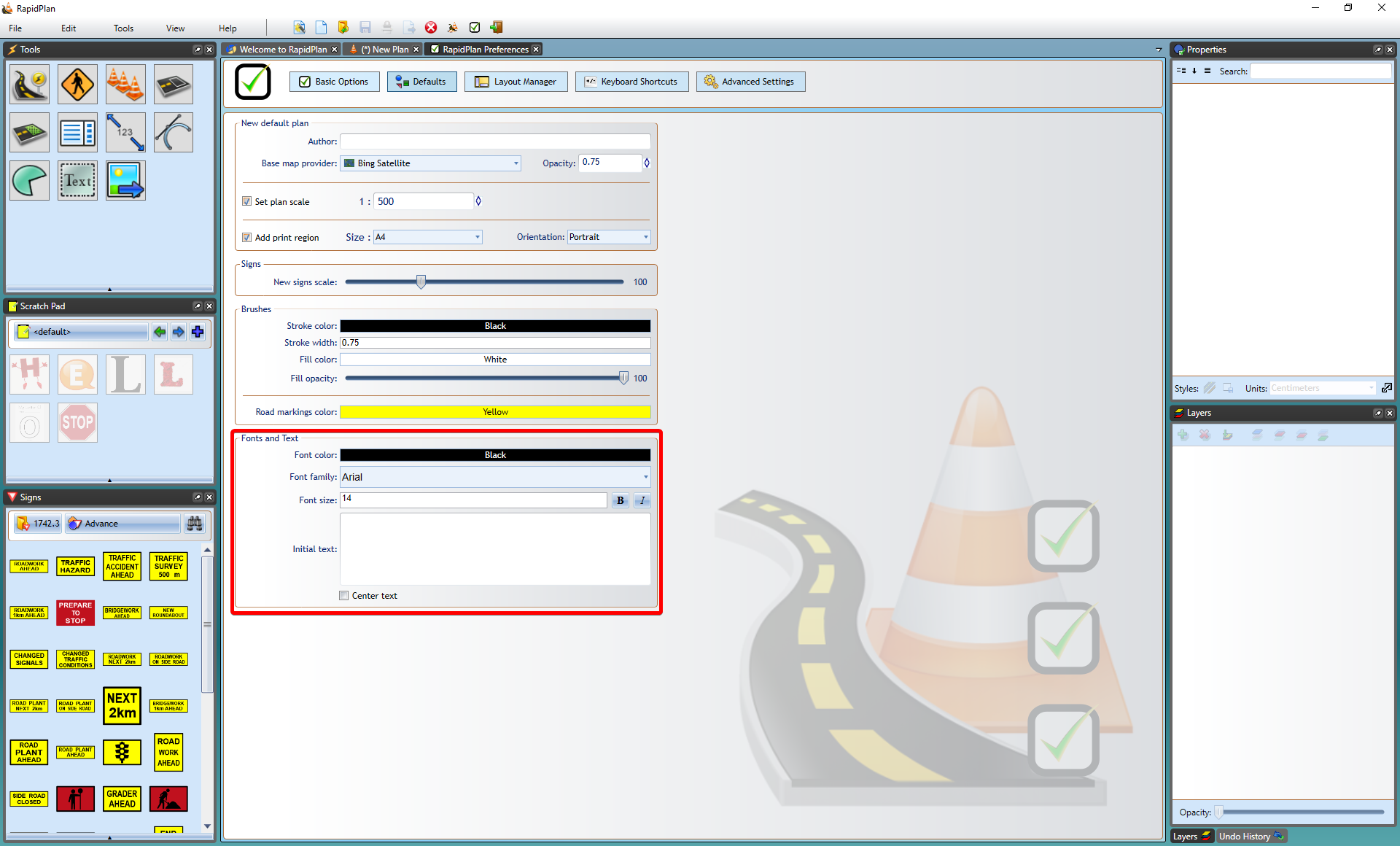
Fonts and text
By default, RapidPlan creates text with its default font settings. To change the default text style:
- Open Tools > Preferences.
- Select Defaults.
- Scroll to Fonts and Text.
- Set the font and text properties you want new text objects to use.
- Close the Preferences tab.
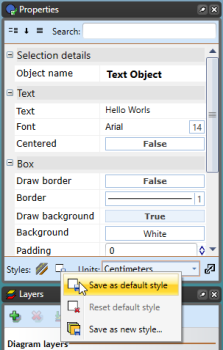
You can also create a text object, style it in the Properties palette, then use Save as Default Style to reuse that style for new text objects.