Running multiple windows
RapidPlan can run multiple application windows at the same time.
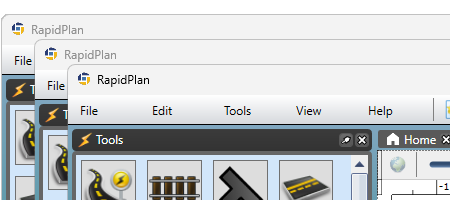
Why this is useful
Multiple windows help when you want to:
- compare plans side by side,
- keep reference material open while editing another plan,
- work on separate jobs without constantly switching tabs.
Open a new window
Use File > New window to open another RapidPlan window.
There is also a keyboard shortcut for this command in current RapidPlan releases.
Open a plan in a new window
Saved plans can also be opened in a separate window from the relevant plan context menu.
This is useful when you want one window per active plan instead of several tabs in the same window.
Notes
- a plan normally needs to be saved before it can be opened in a new window,
- multi-window workflows are especially helpful when combined with shared basemap, import, print, or review work.