Scratchpad
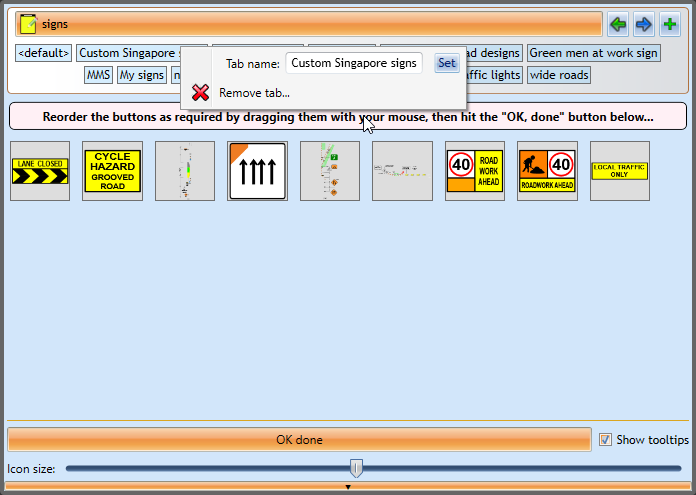
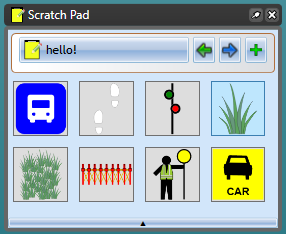
Scratchpad is used to store objects that you commonly use to make them easily accessible.
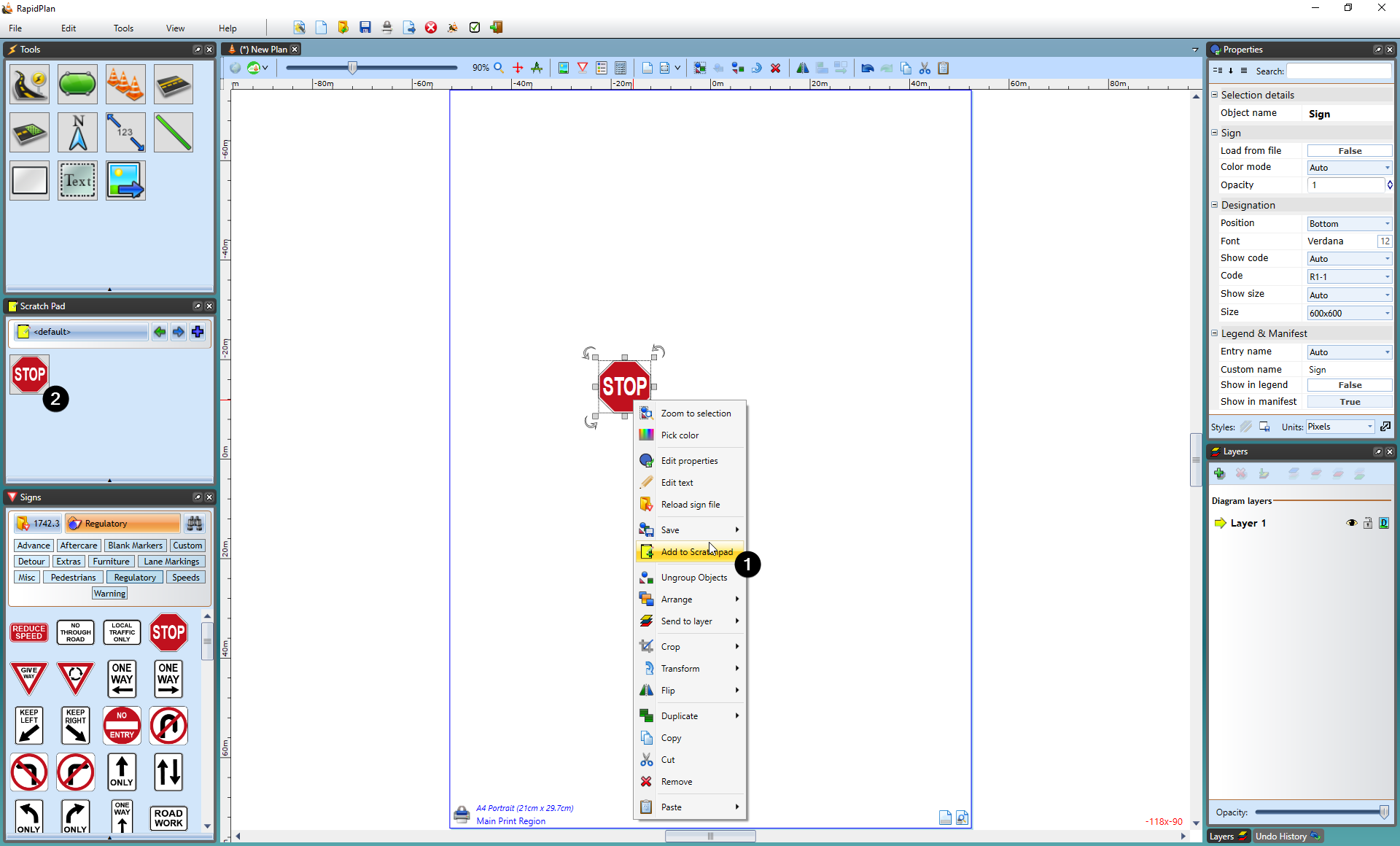
To place an object in Scratchpad, select the object then right-click and select Add to Scratchpad.
Scratchpad management
right-clicking on an object inside the scratch pad will allow you to remove it or reorder buttons. In the reorder buttons menu you will be able to click and drag scratch pad items into different orders, as well as using the slidebar control at the bottom to change the size of icons in the scratch pad. Once you are finished in the reorder screen, click OK done to finish.
Scratchpad folder management
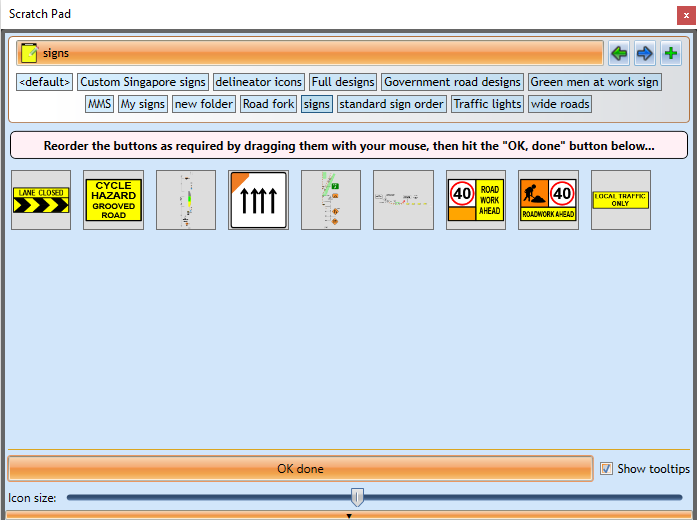
Folders can be added in the scratch pad by clicking the plus icon in the top right. Folders can be renamed or deleted by right-clicking on them.