Getting started
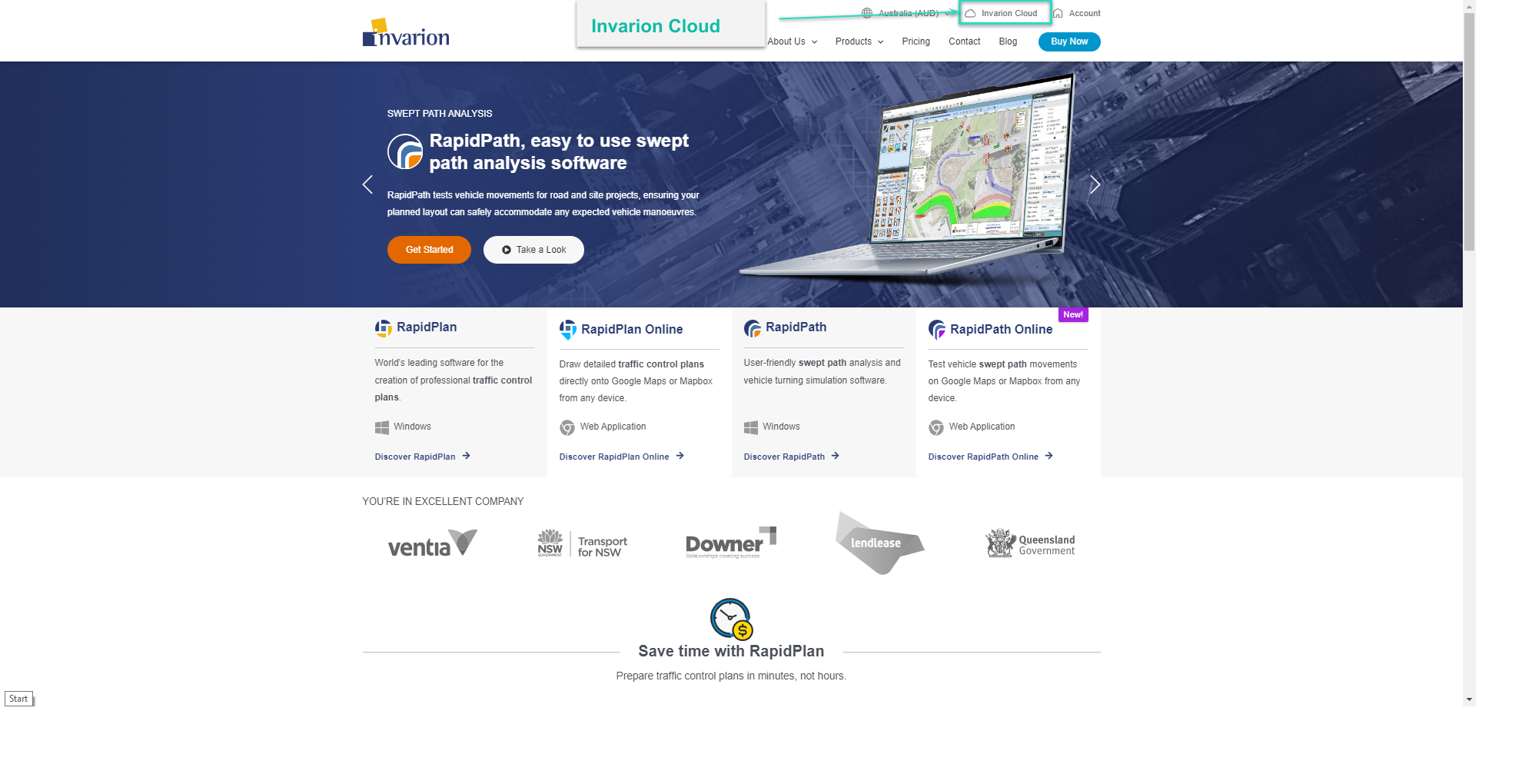
To start using RapidPlan Online, first sign in to your Invarion Cloud account. You can open Invarion Cloud directly, or select the Invarion Cloud button on invarion.com in the top right of the page.
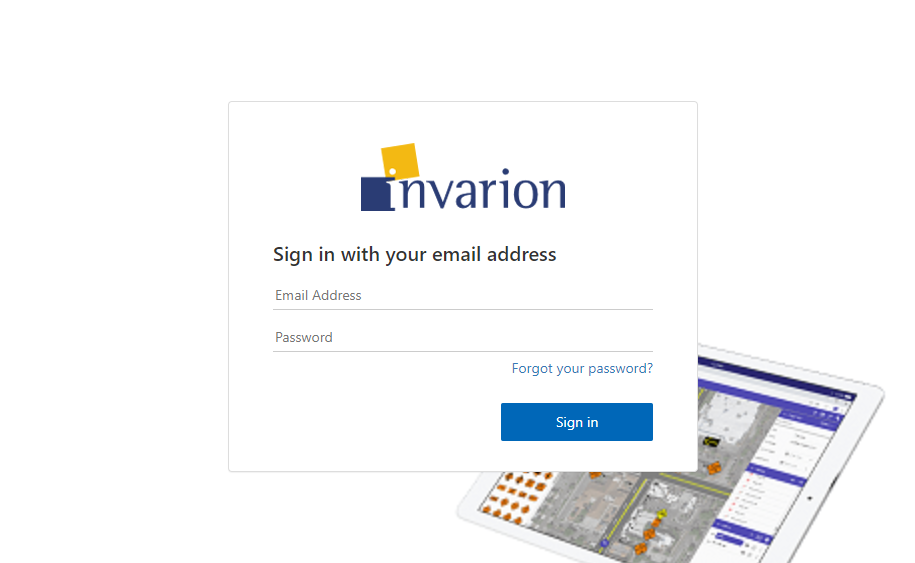
RapidPlan Online will then ask you to sign-in:
Creating your first plan
To create your first plan, from the Invarion Cloud select Create button and choose New plan from the menu. After clicking this you will be taken to RapidPlan Online.
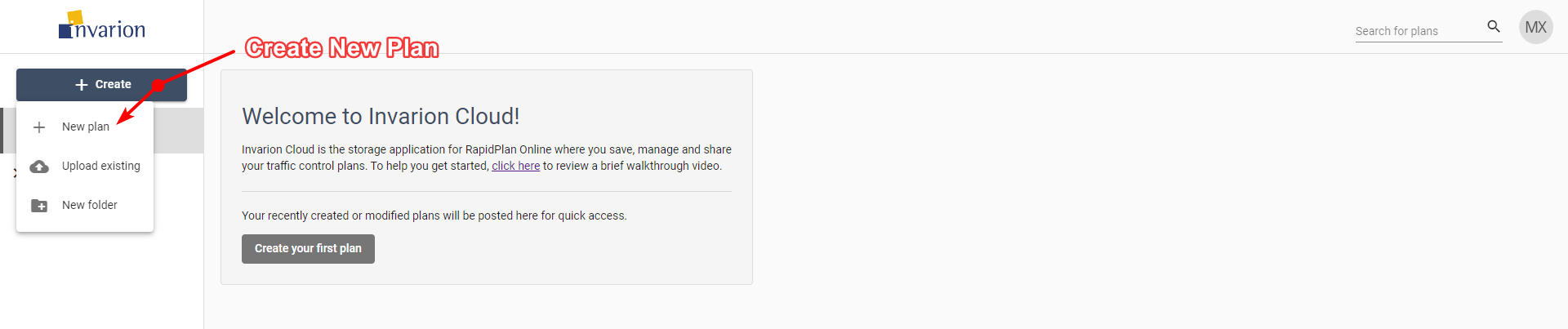
Later, you can find your plan in the Plans sections inside Invarion Cloud. More details on using the Invarion Cloud can be found in the Invarion Cloud layout section.